
Table of Contents
- What Makes Fixed Wireless Internet Worth It for Remote Work
- Fixed Wireless Internet Speed for Video Calls and File Uploads
- Fixed Wireless vs Fiber for Remote Work: Where Each One Wins
- Fixed Wireless vs Satellite Internet: Which Handles Remote Work Better
- Running an Internet Speed Test for Remote Work
- Fixed Wireless Internet Pros and Cons for Remote Workers
- Frequently Asked Questions
Last Updated: October 9, 2026
What Makes Fixed Wireless Internet Worth It for Remote Work
Fixed wireless internet is a broadband connection that delivers service through a wireless link between your home and a nearby transmission tower, rather than through buried fiber or coaxial cable. For remote workers in rural Manitoba, that distinction matters: if fiber has not reached your road and your satellite dish struggles with video calls, fixed wireless is often the only connection that can keep a workday running.
At Sonic Boom Networks, we serve rural communities where cable and fiber stop at the town limits. The honest answer to whether fixed wireless internet is worth it for remote work is: it depends on what your job demands. If your day is video calls, file uploads and cloud apps, the deciding factors are latency, uptime and whether your provider caps your data.
Below, we break down how the technology works, where it beats fiber and satellite, and how to test whether any connection is actually good enough for your work.
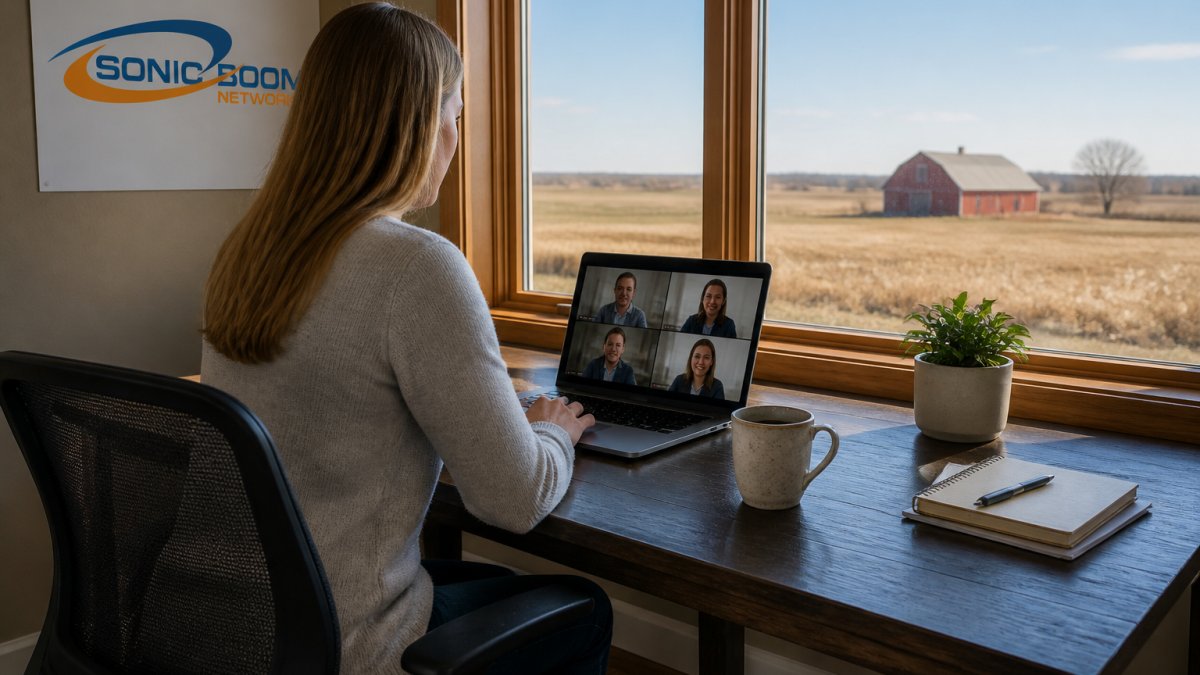
How Fixed Wireless Works Without a Cable
A fixed wireless provider mounts a small receiver on your roof or wall, aimed at a transmission tower within line of sight. That receiver talks to the tower over licensed or unlicensed wireless spectrum, and the tower connects to the provider’s core network. No trenching, no waiting for a fiber build, and installation typically takes a single visit.
The practical upside is speed of deployment. The trade-off is physics: wireless signals weaken with distance, terrain and trees. A neighbor a kilometre closer to the tower may see noticeably better performance than you do.
The Uptime and Latency Questions That Decide It
Latency is the delay between sending a request and getting a response, measured in milliseconds. For video calls and remote desktop work, latency matters more than raw download speed. Fixed wireless typically lands in a range that feels responsive for calls when the link is strong and the tower is not congested.
Uptime is where provider quality separates itself. A well-maintained fixed wireless network with redundant tower backhaul can hold a stable connection through most weather. A poorly maintained one will drop in heavy rain or snow. Ask any provider for their tower’s backhaul design and what happens during an outage.
Ask whether the provider’s towers have redundant backhaul connections. A tower with a single upstream link is one cut cable away from taking your whole workday offline.
Fixed Wireless Internet Speed for Video Calls and File Uploads
Fixed wireless internet speed for video calls is usually sufficient when you have a stable link: most video platforms need only a few megabits per second in each direction, and the constraint is consistency, not peak speed. The real test is upload bandwidth, because that is what carries your camera feed, your file transfers and your cloud backups.
For remote work, think in terms of three numbers:
| Task | Download Needed | Upload Needed | What Breaks First |
|---|---|---|---|
| HD video call | Moderate | Moderate | Upload congestion |
| Large file uploads | Low | High | Upload ceiling |
| Cloud apps and VPN | Low | Low | Latency spikes |
| Streaming while working | High | Moderate | Shared capacity |
A connection can post impressive download numbers and still be miserable for work if upload is thin or if the provider throttles during peak hours. Data caps make it worse: a capped plan punishes exactly the behavior remote work requires.
A plan with a data cap can quietly end your workday. Once you hit the cap, many providers throttle you to speeds that cannot sustain a video call. Confirm the cap in writing before you sign.
Fixed Wireless vs Fiber for Remote Work: Where Each One Wins
Fiber wins on raw capability. It offers symmetric upload and download, the lowest latency available and no practical distance limit once it reaches your property. If fiber is available at your address, it is the better technical choice for remote work, full stop.
Fixed wireless wins on availability and speed of installation. Where fiber has not been built, fixed wireless can deliver workable performance without waiting years for construction. It also tends to come with more flexible terms, which matters if you are renting or running a seasonal business.
The decision rule is simple: take fiber if you can get it, and treat fixed wireless as the strong option when fiber is not on your road.
Fixed Wireless vs Satellite Internet: Which Handles Remote Work Better
Fixed wireless generally handles remote work better than satellite because it usually delivers lower latency, which is what video calls and interactive apps depend on. Satellite, particularly the higher-orbit variety, introduces a signal delay that makes real-time conversation feel awkward.
That said, low-earth-orbit satellite has narrowed the gap on latency, and satellite remains the only option in some very remote locations. Where both are available, test both if you can. Where only one reaches your property, the choice is made for you.
Running an Internet Speed Test for Remote Work
An internet speed test for remote work should measure more than download speed. Run tests at the times you actually work, because a connection that is fast at 6 a.m. and unusable at 7 p.m. will fail you.
A practical testing routine:
- Test at 8 a.m., 1 p.m. and 7 p.m. on a weekday
- Record download, upload and latency for each test
- Test with your VPN connected, not just without it
- Test during a live video call to see real-world behavior
- Repeat for three days before drawing conclusions
If upload speed collapses in the evening or latency jumps above what your call software tolerates, that pattern tells you more than any single test result.
Fixed Wireless Internet Pros and Cons for Remote Workers
Fixed wireless internet pros and cons for remote workers come down to availability versus consistency. The technology reaches places cable and fiber do not, and it installs quickly. The risk is that performance depends on your specific link to the tower.
Pros:
- Available in rural areas where fiber has not been built
- Fast installation without trenching or construction delays
- Often offered without long-term contracts
- Can deliver solid performance for video calls and cloud work
Cons:
- Performance varies with distance, terrain and tower congestion
- Upload speeds are often lower than download
- Weather and obstructions can affect signal quality
- Quality depends heavily on the provider’s maintenance
This is where provider choice matters more than the technology itself. A fixed wireless connection is only as good as the tower behind it and the team maintaining it.
At Sonic Boom Networks, we built our rural Manitoba network around the reality that remote work cannot tolerate surprise outages or data caps. Our plans carry no contracts and no data limits, and our support line is staffed 24/7, 360 days a year, so a problem at 2 a.m. on a Sunday reaches a real person. Our team can confirm whether our service reaches your property before you commit.
Canadian Radio-television and Telecommunications Commission broadband information
Frequently Asked Questions
Is fixed wireless internet reliable enough for remote work?
Fixed wireless internet can be reliable for remote work when the provider has a clear line of sight to a tower and manages capacity well. Latency stays low enough for video calls and VPN use in most cases. The main variable is local interference and tower congestion during peak hours. Ask your provider about uptime guarantees and whether they offer a trial period so you can test performance before committing. In rural Manitoba, tree cover and distance from the tower are the two biggest factors that affect signal quality.
Can fixed wireless internet handle video calls and file uploads at the same time?
Yes, provided your plan has enough upload bandwidth. Video calls typically need 3 to 5 Mbps upload for a single HD stream. If you are uploading large files while on a call, you want at least 10 Mbps upload to avoid stuttering. Fixed wireless internet speed for video calls depends on the plan tier and how many devices are active. A household with two people on calls plus a child streaming video will want a plan with at least 25 Mbps download and 10 Mbps upload.
How does fixed wireless compare with fiber for working from home?
Fiber offers symmetrical speeds, meaning upload matches download, and it is not affected by weather or line-of-sight issues. Fixed wireless delivers strong download speeds but upload is typically lower than fiber. For remote work that involves large file transfers or hosting, fiber has the edge. For video calls, email, and cloud apps, fixed wireless is usually sufficient. In rural Manitoba, fiber coverage is still limited, so fixed wireless often fills the gap where fiber has not reached.
How can I test whether fixed wireless internet will work at my home?
Start by running an internet speed test for remote work on your current connection during peak hours, typically 7 to 10 PM. Note your download, upload, and latency. Then ask a fixed wireless provider to do a site survey at your property. They will check line of sight to the nearest tower and measure signal strength. If the provider offers a trial period, use it to run the same speed tests at different times of day before you commit to a plan.
Rural connectivity is not a luxury anymore; it is the line between a functioning workday and a lost one. If you are tired of data caps, contracts and support lines that go nowhere, Sonic Boom Networks offers high-speed internet built for rural Manitoba, with no contracts, no data limits and 24/7 support from a local team. See our plans and find out whether our network reaches your property.